2026-07-12 · 8 min read
Base64, URL Encoder, and JWT Decoder Cheat Sheet
A practical cheat sheet for decoding Base64, parsing URLs, and inspecting JWT tokens without mixing up the tools.
Search intent
For users searching how to decode Base64, URL parameters, Base64URL, or JWT tokens.
Key takeaways
- Base64 is an encoding, not encryption.
- URL encoding protects characters inside query parameters.
- JWT decoding reveals claims but does not verify trust by itself.
- Base64URL differs from ordinary Base64 in URL-safe characters and padding behavior.
Tool workflow
Identify the string format first
Before decoding, look at the shape of the value. Percent signs suggest URL encoding. Dots often suggest JWT. Plus, slash, equals, dash, and underscore characters can point to Base64 or Base64URL.
Base64 Encoder and DecoderDecode one layer at a time
Decode the outer format first and stop after each step to inspect the result. Many links and tokens are nested, so decoding everything blindly can hide where the actual problem starts.
URL Encoder and DecoderInspect JWT claims without trusting them
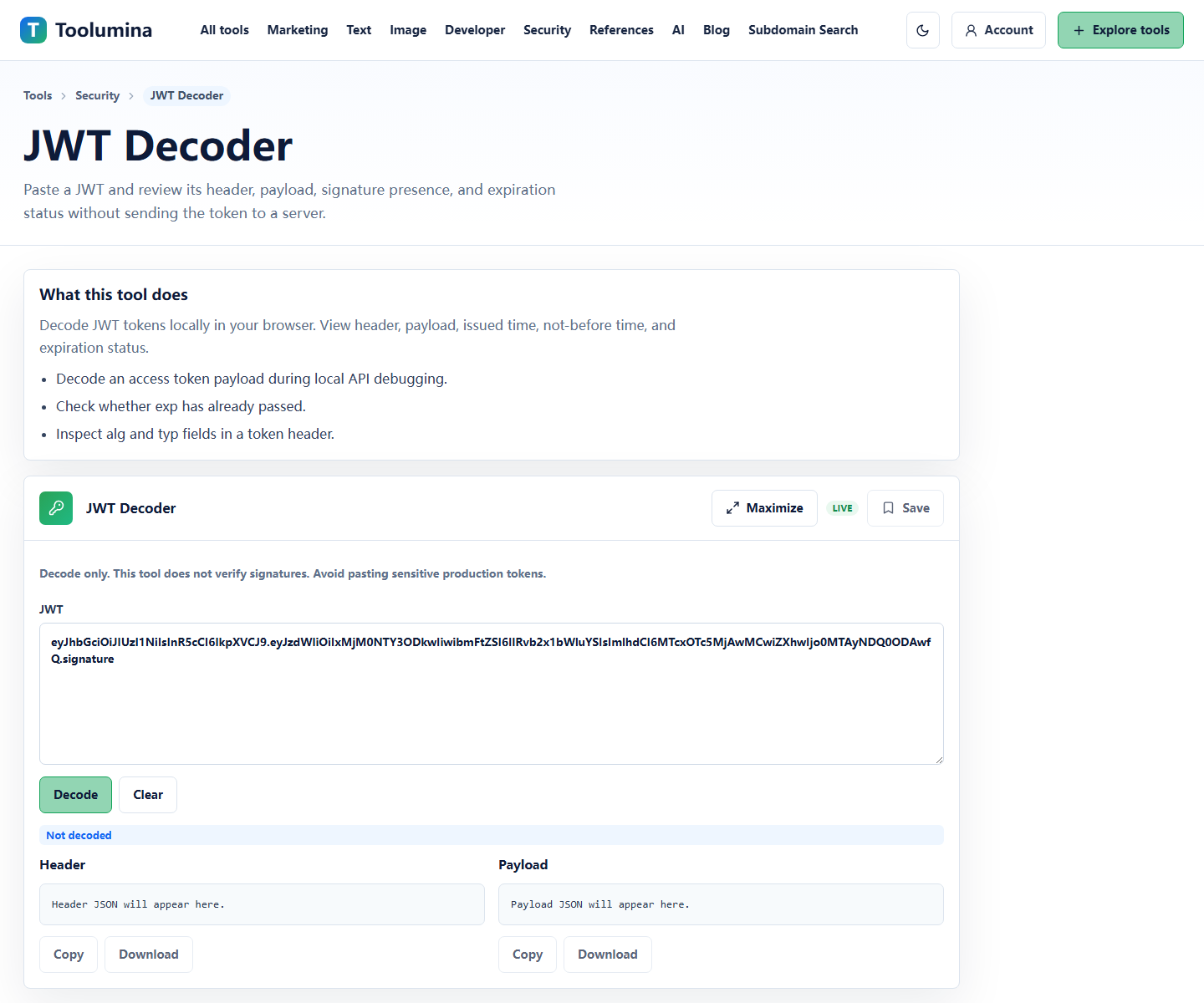
Use JWT Decoder to read header and payload claims such as exp, iat, iss, aud, and scope. Treat the decoded content as information only; server-side signature verification is still required.
JWT DecoderScreenshots from the workflow
Base64 is for transport, not secrecy
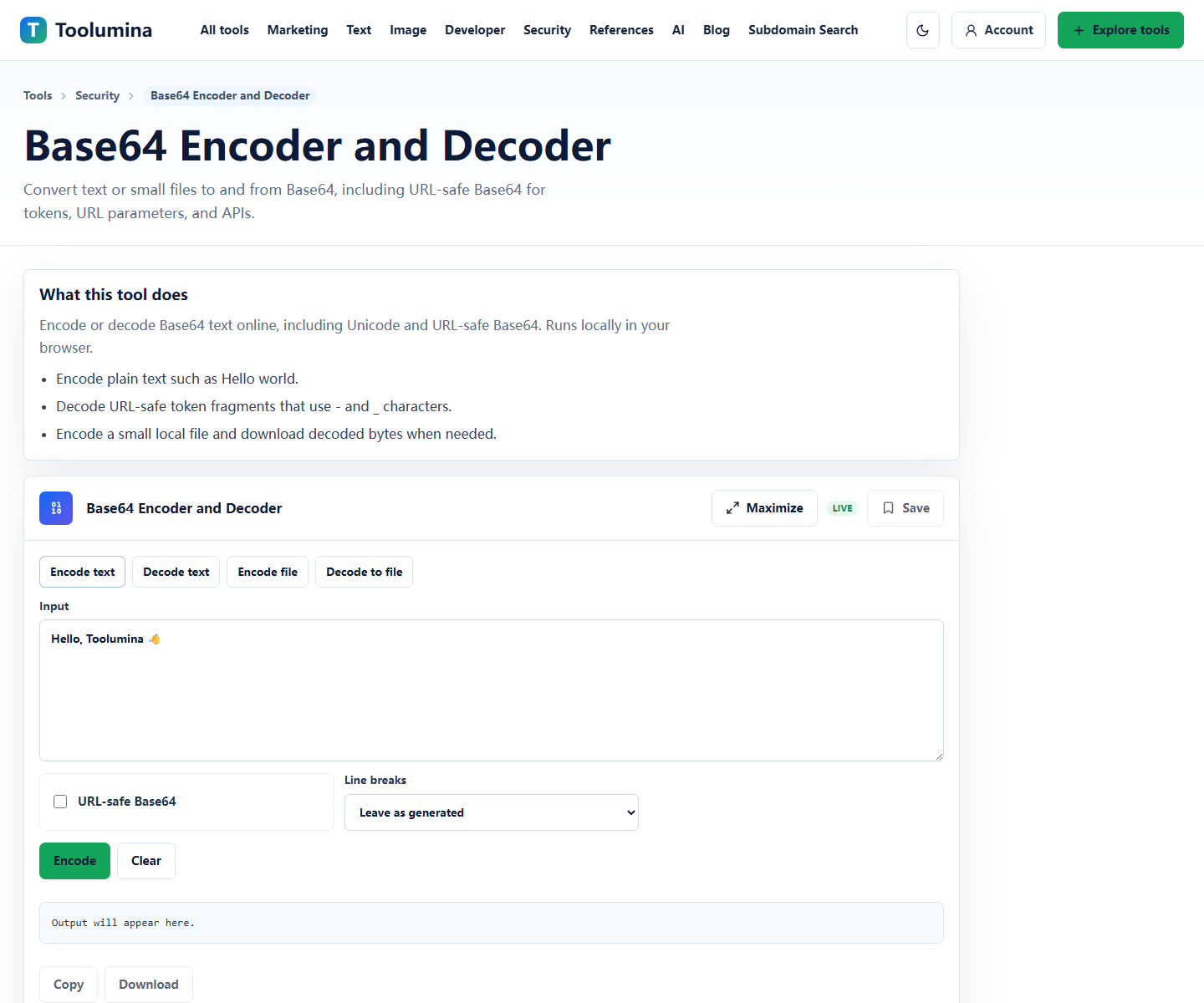
Base64 makes binary or Unicode data easier to move through text-only systems. It appears in API payloads, small file previews, data URLs, configuration examples, and token-like values.
It is not encryption. If a value can be decoded with a Base64 decoder, anyone with the same string can decode it. That distinction matters when reviewing logs, support tickets, or copied API examples.
- Use Base64 Decoder to inspect encoded text.
- Use URL-safe Base64 mode for token-like strings that use - and _.
- Do not treat Base64 output as private.
URL encoding is about safe query strings
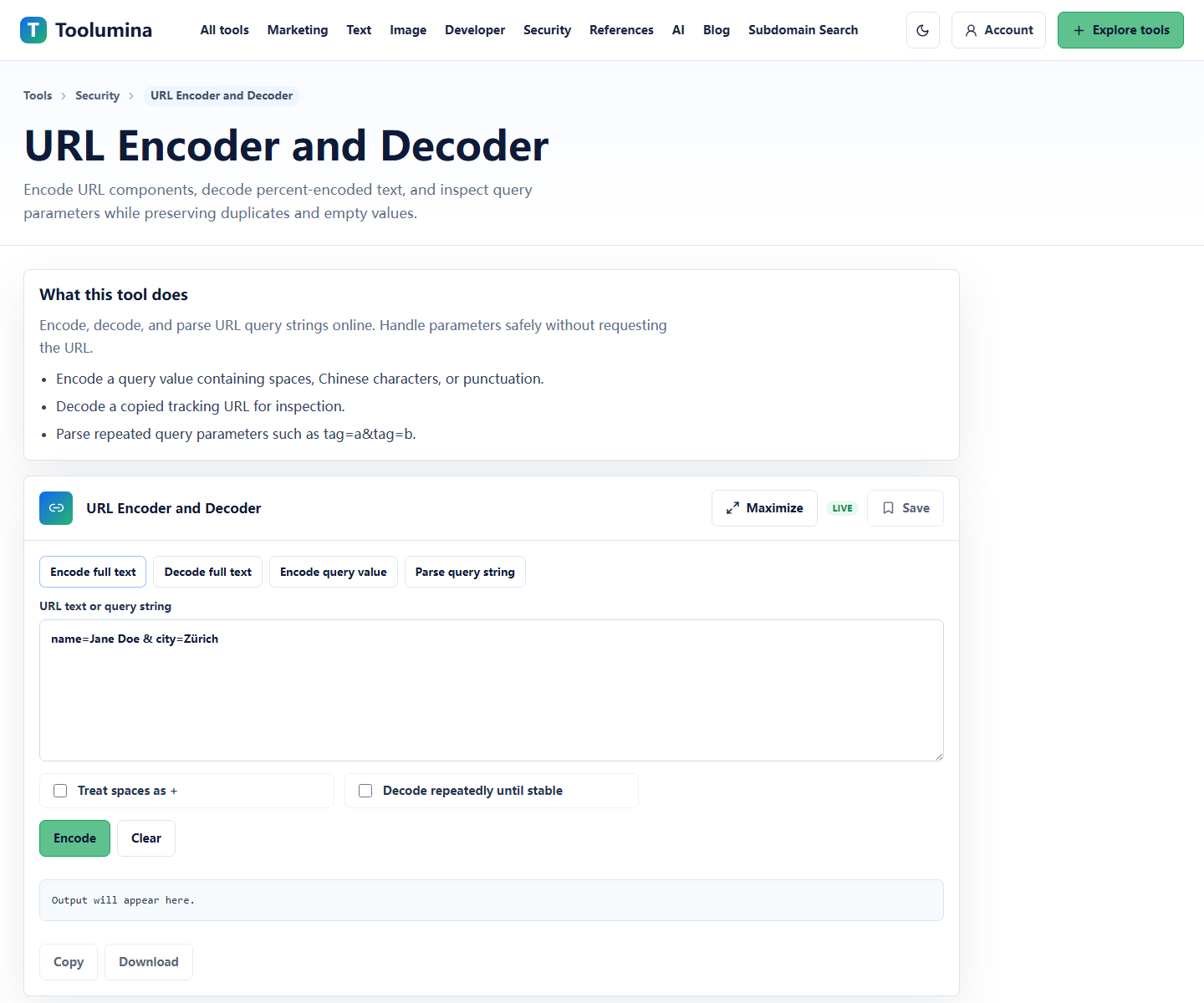
URL encoding converts spaces, punctuation, non-English characters, and reserved symbols into percent-encoded text. This is essential when building query strings or passing a full URL as a parameter inside another URL.
A URL decoder is helpful when inspecting campaign links, redirect URLs, OAuth callback URLs, API callback URLs, and copied browser links. Decode the query string first, then inspect individual parameters.
- Decode query strings to inspect tracking parameters.
- Encode only the value when placing text inside a URL parameter.
- Watch for double-encoding when a value contains another URL.
JWT decoding shows claims, not authorization truth
A JWT decoder helps you inspect the header, payload, expiration, issued-at time, issuer, audience, and scope claims. That is useful for debugging login, API access, token refresh, and environment mismatch problems.
Decoding a JWT does not prove that the token is valid or trusted. Verification requires the correct key, algorithm, issuer rules, audience rules, and expiration checks on the server side.
- Check exp, iat, nbf, aud, iss, and scope claims.
- Confirm whether the token is expired before debugging API code.
- Do not paste production tokens unless you have redacted sensitive values.
Background notes
Base64, Base64URL, and URL encoding solve different problems
Base64 represents bytes as text. Base64URL is a URL-safe variant commonly seen in tokens. URL encoding protects characters inside URLs and query parameters.
The fastest way to avoid mistakes is to decode by context: URLs with query parameters go through URL Decoder, token segments go through JWT Decoder, and plain encoded blobs go through Base64 Decoder.
A safe debugging habit
Before pasting copied strings into a tool, remove real access tokens, session IDs, emails, customer IDs, and private URLs. You can usually reproduce the format problem with a shortened or redacted example.
For JWTs, decode a copied example only when it is safe to expose the claims. A token payload often contains user identity, tenant identifiers, scopes, and timestamps.
- Redact token signatures and sensitive claims.
- Decode one layer at a time.
- Write down which format each layer used.
- Verify security-sensitive values on the server, not in a decoder.