2026-07-30 · 8 min read
Why In-Browser Tools Are Useful for Everyday Work
How small JSON, Base64, hash, image, and text utilities can stay quick and simple when they run on your device.
Search intent
For users comparing lightweight online tools, private utility pages, and simple file or text workflows.
Key takeaways
- Many utility tasks do not need server-side processing.
- In-browser tools are fast for repeated paste-copy workflows.
- Local-first behavior is useful, but users should still avoid pasting production secrets.
- Tool pages should explain examples, privacy behavior, and limitations.
Tool workflow
Decide whether the task needs a server
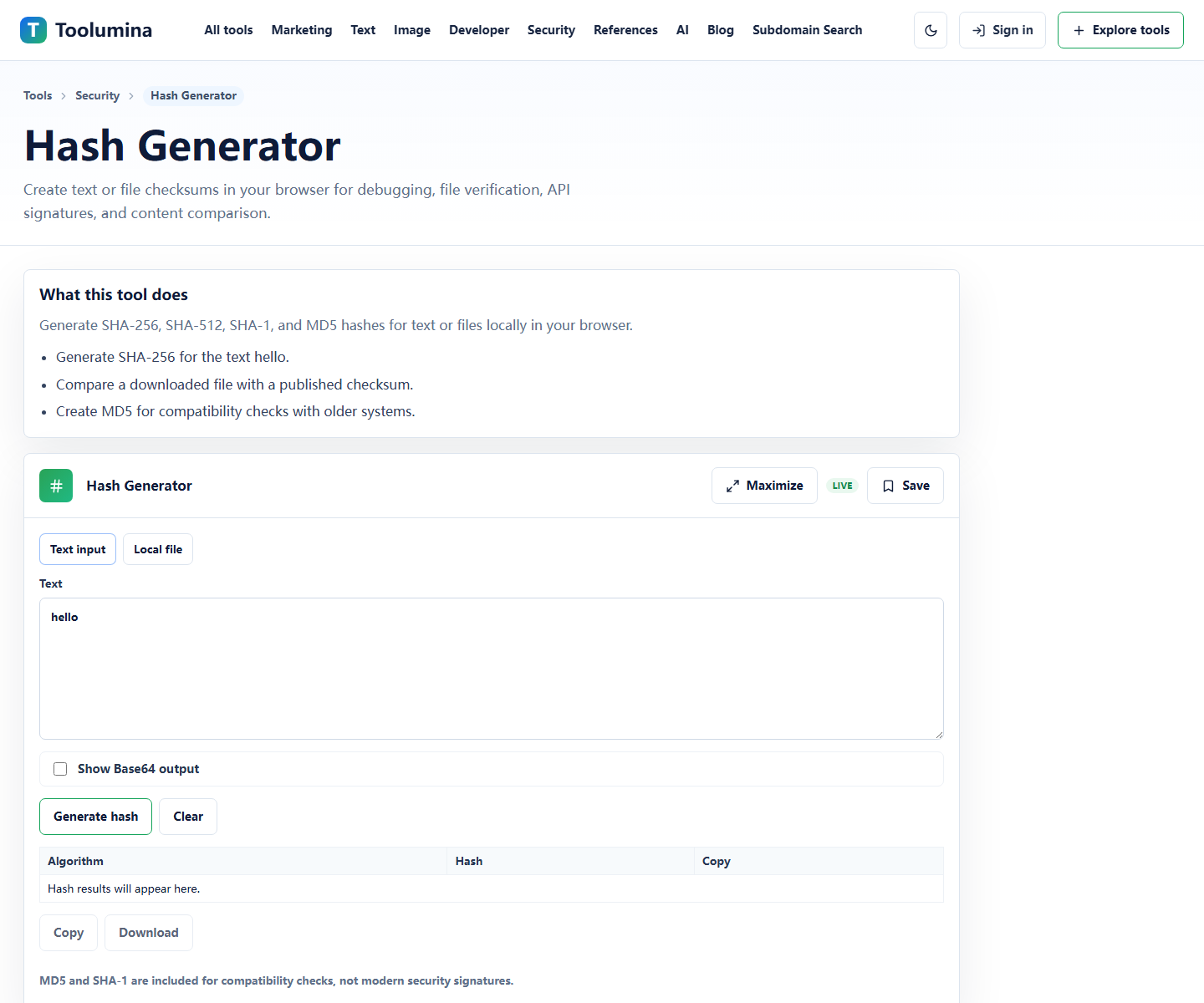
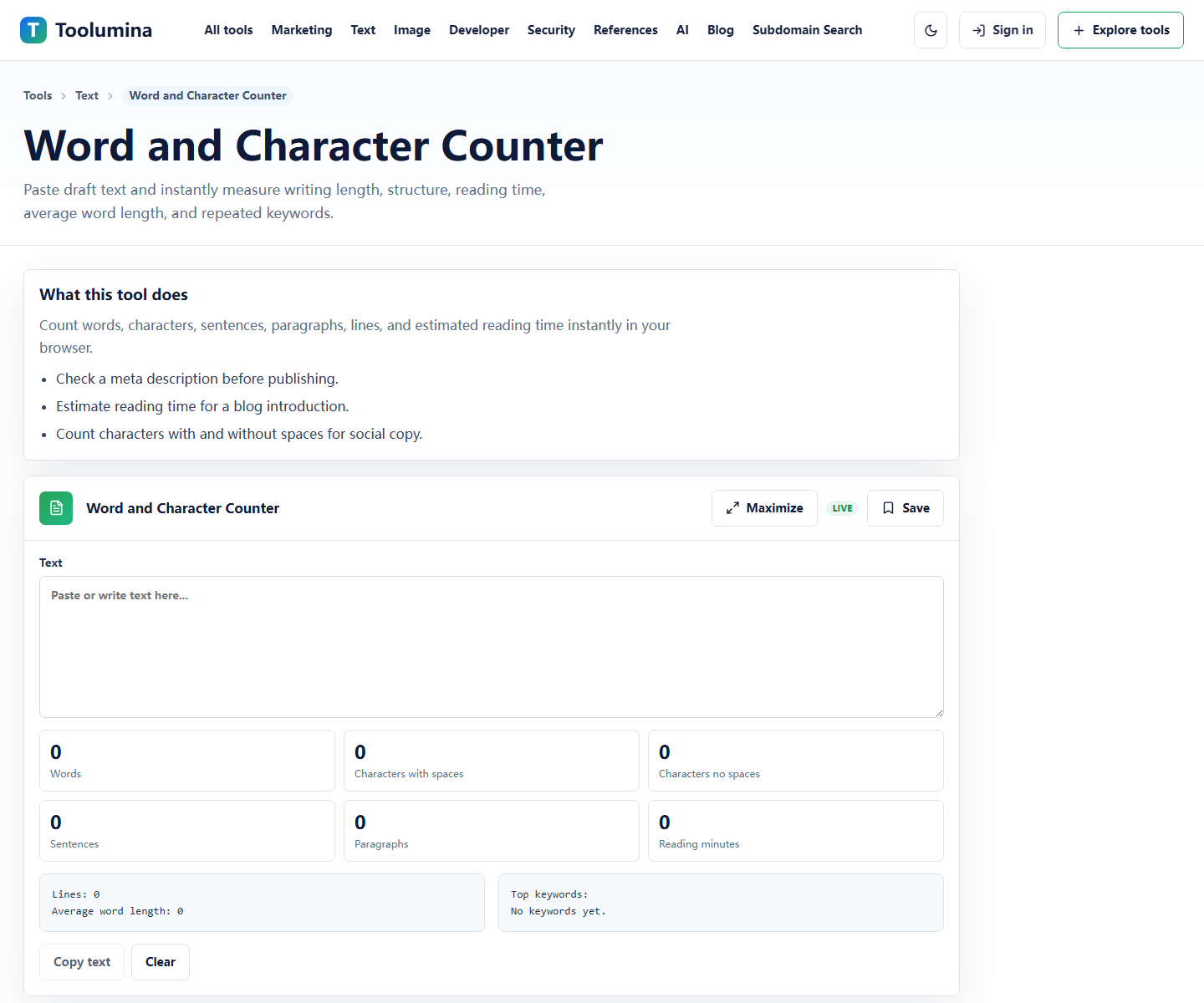
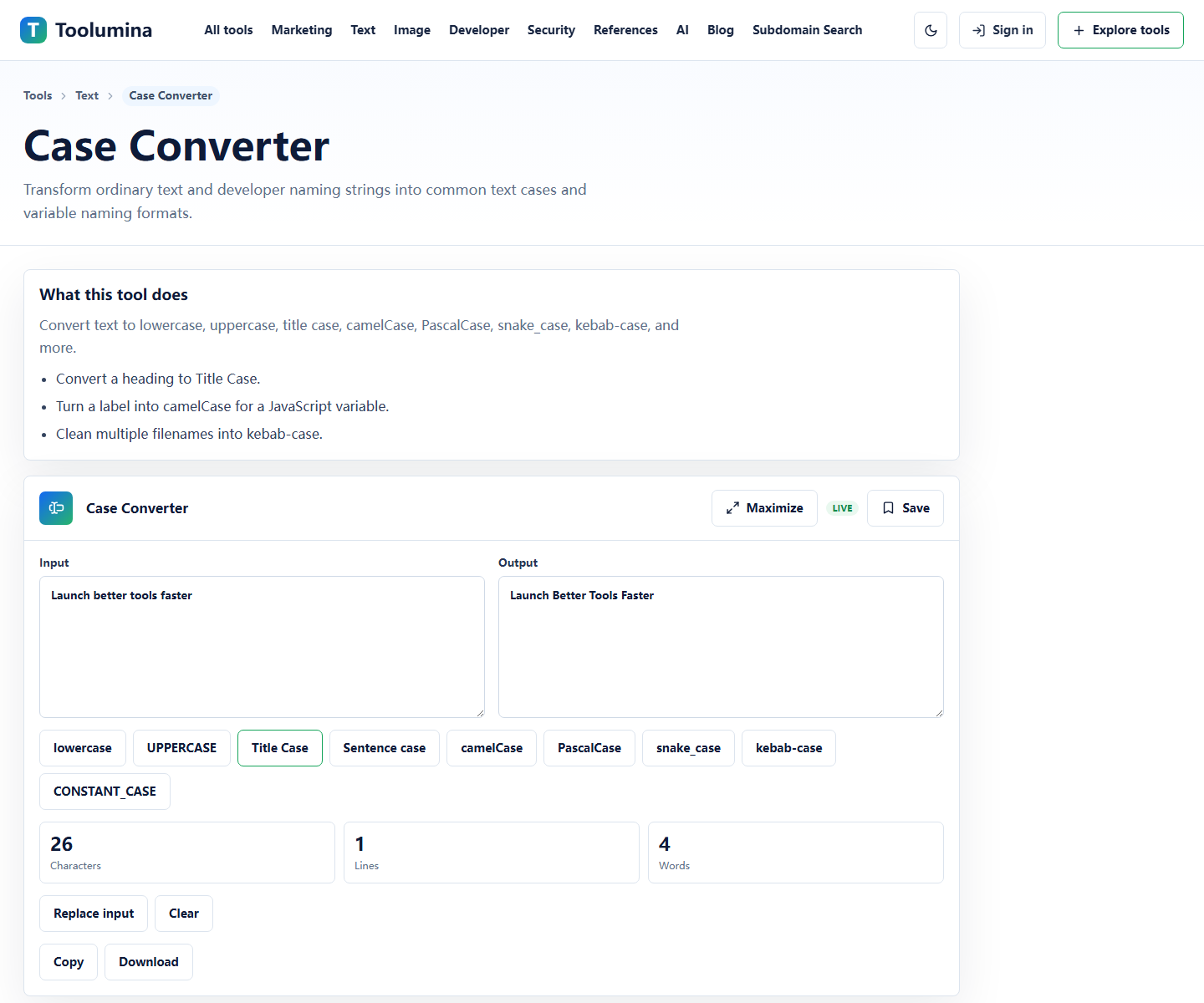
Formatting text, counting words, converting case, generating hashes, and resizing a small image can often run in the browser. Upload, storage, collaboration, and team approvals may need a server-backed workflow.
Hash GeneratorUse clean sample data
For debugging, create a small example that preserves the structure of the real data without exposing secrets, customer records, or private internal URLs.
Word and Character CounterCopy the result into the real workflow
Use the tool for the small transformation, then paste the result into your editor, CMS, code review, ticket, or campaign document. Keep the utility step short and repeatable.
Case ConverterScreenshots from the workflow
Local-first is faster for small jobs
Many everyday utility tasks do not need a server. Formatting JSON, decoding Base64, creating hashes, resizing images, counting text, or converting case can run directly in the browser with instant feedback.
That makes the tools useful for repeated work: paste, inspect, copy, and move on without creating a project or sending a file through a backend workflow.
- Quick checks while debugging API examples.
- Small text and image edits before publishing.
- One-off conversions that should not become a spreadsheet or script.
It reduces unnecessary data exposure
Browser-local tools keep common inputs on your device for the current session. That is useful for API examples, drafts, configuration snippets, campaign text, and image assets that do not need remote processing.
Users should still avoid pasting production secrets into any website, but local-first behavior is a better default for lightweight utility workflows because it avoids unnecessary upload and storage steps.
Good tool pages need context
A useful tool page should explain what the tool does, show examples, document how it works, and describe privacy behavior. That makes the page easier to judge before someone pastes real work into it.
Toolumina keeps those notes close to the actual tool surface so users can quickly judge whether a page matches their task before they paste anything.
Background notes
Working in the browser does not remove every risk
Local-first behavior reduces unnecessary transfer, but it does not remove every risk. Browser extensions, shared devices, screenshots, clipboard history, and accidental pasting can still expose sensitive data.
The safest habit is to use realistic sample data whenever the exact production value is not required.
- Do not paste live credentials, private keys, or production tokens.
- Use redacted examples for support tickets and documentation.
- Clear copied sensitive values from your clipboard when needed.
- Prefer offline or internal tools for regulated data.
What belongs in an in-browser tool
An in-browser tool is a good fit when the task is deterministic, small, and does not require shared state. It is less suitable when the task needs team collaboration, long-term storage, audit logs, or server-side verification.
That boundary keeps the tool simple: fast input, clear output, copy controls, examples, and honest limitations.