2026-07-24 · 8 min read
CSV, YAML, and JSON Cleanup Workflow for Data Hand-offs
A clear hand-off process for converting CSV and YAML into JSON, checking the structure, and comparing the result before it moves downstream.
Search intent
For users searching for CSV to JSON, YAML to JSON, JSON diff, or data cleanup workflows before import.
Key takeaways
- Normalize CSV and YAML into JSON before comparing structured data.
- Check headers, empty values, arrays, and nested objects before import.
- Compare before-and-after output when cleaning or migrating data.
- Keep sample rows small when debugging conversion problems.
Tool workflow
Convert the source into JSON
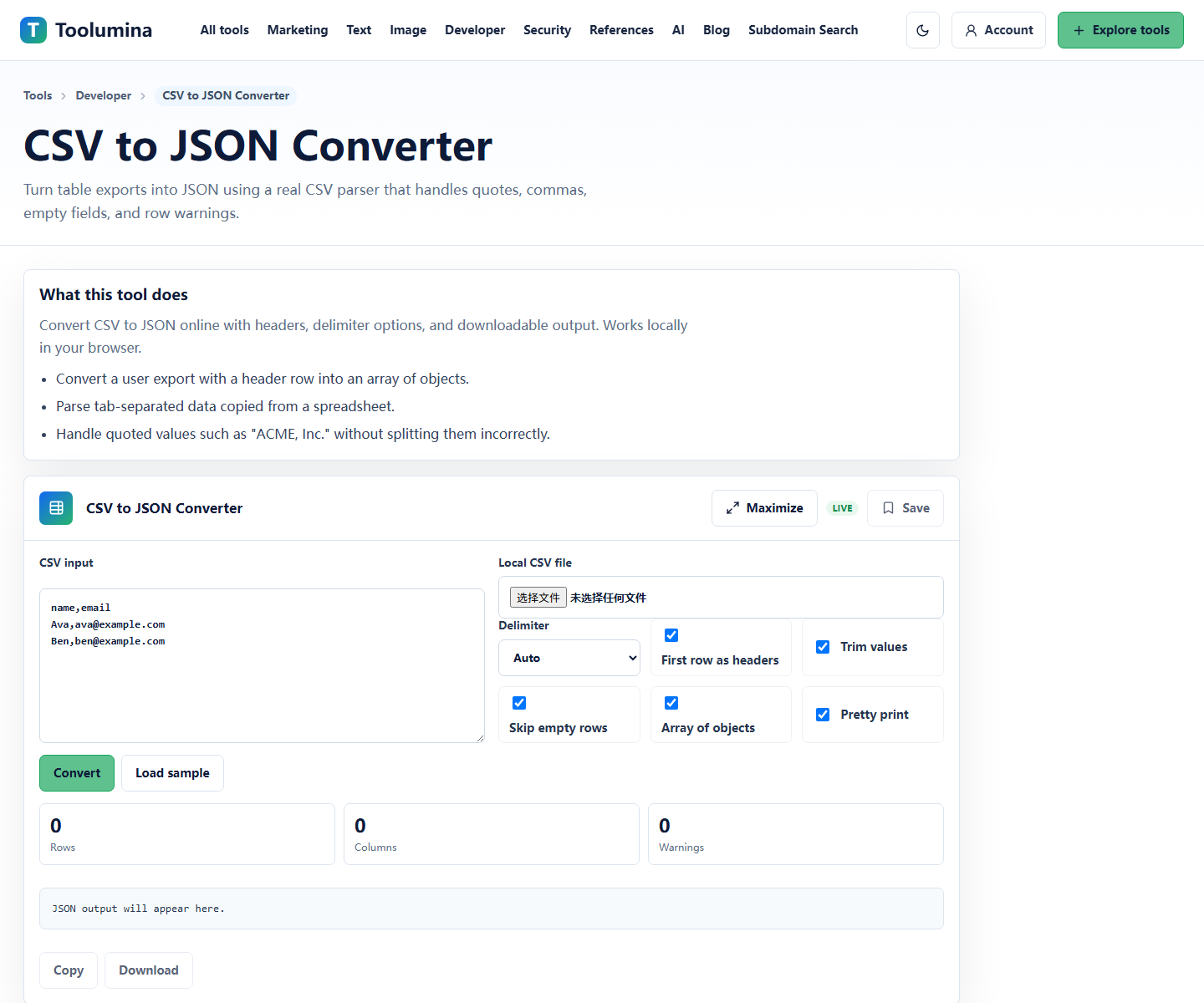
Turn CSV rows or YAML config into JSON so the structure is explicit. This makes arrays, objects, empty values, and field names easier to inspect.
CSV to JSON ConverterNormalize the shape before import
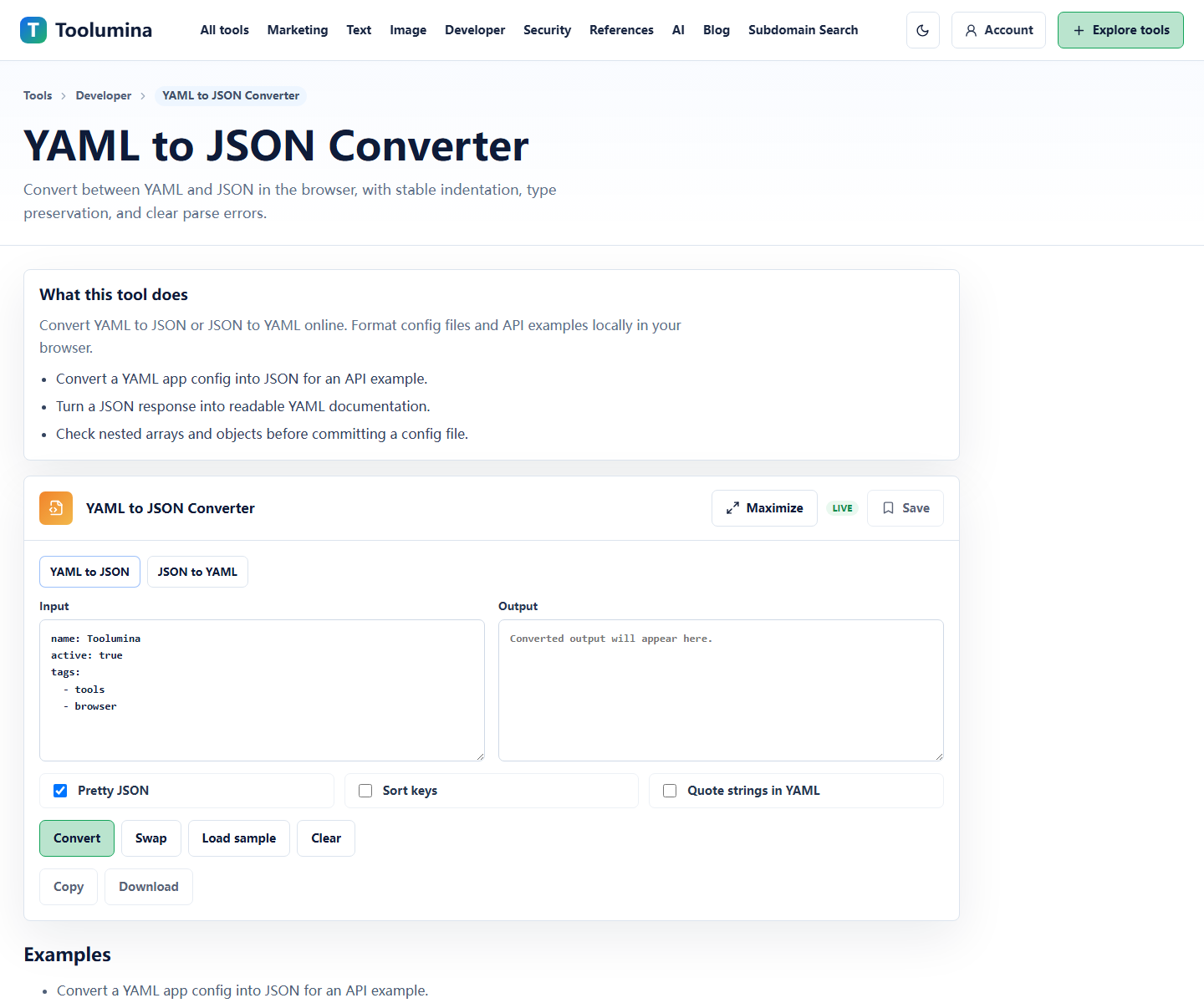
Check whether headers are clear, numbers are actually numbers, booleans are not strings, and nested values are represented consistently.
YAML to JSON ConverterCompare cleaned output with the original version
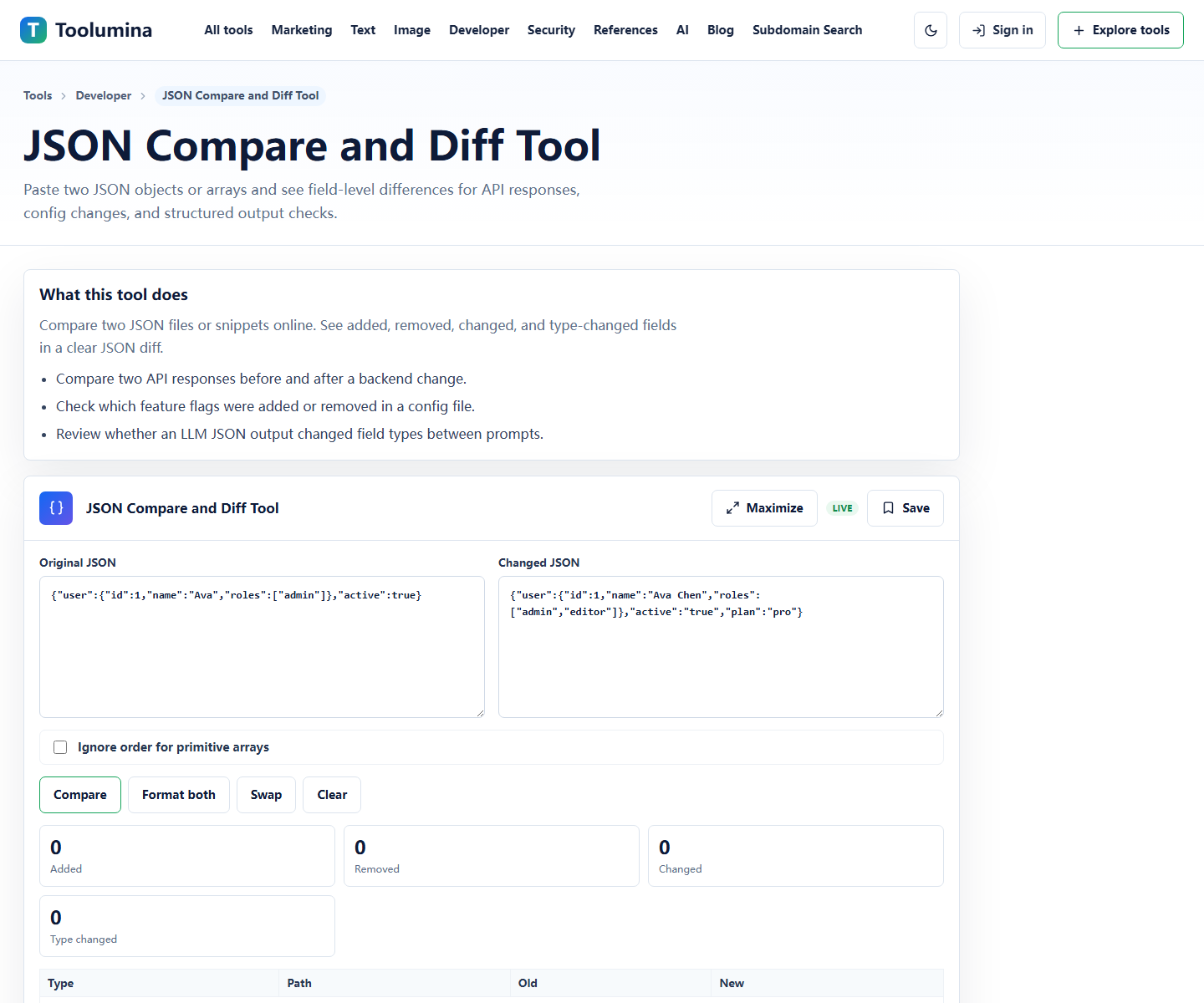
Use JSON Compare when a cleanup pass changes fields, removes empty values, or rewrites names. A diff is faster than manually scanning a long object.
JSON Compare and Diff ToolScreenshots from the workflow
Use JSON as the inspection format
CSV is convenient for spreadsheets, YAML is convenient for human-edited configuration, and JSON is convenient for APIs. During cleanup, JSON often works best as the inspection format because the structure is explicit.
Converting to JSON does not make the data correct by itself, but it makes mistakes easier to see.
- CSV: check headers, delimiters, empty cells, and row count.
- YAML: check indentation, arrays, and quoted values.
- JSON: check field names, types, nesting, and diff output.
Clean a small sample first
When a conversion fails, reduce the input to a few rows or one small YAML block. Debugging a small sample is faster than scanning a whole export.
After the sample converts correctly, run the full input and compare a few representative records.
Compare before import
Imports fail quietly when fields are renamed, empty values are interpreted differently, or IDs change type. Comparing before-and-after JSON gives you a cheap review step before sending data into another system.
That review is especially useful for CMS imports, analytics config, product catalogs, internal scripts, and API test fixtures.
Background notes
Rows, documents, and objects
CSV is row-based. YAML is document-oriented and human-friendly. JSON is object and array based. A converter has to map between those shapes, so some decisions are unavoidable.
The goal is not to preserve every visual detail from the source. The goal is to produce structured data that another system can read correctly.
Common conversion mistakes
Common mistakes include duplicate headers, hidden delimiters, multiline values, strings that should be booleans, and numbers that should remain strings because they are IDs.
Write down the expected schema before cleaning a large export. It gives you something concrete to check against.