2026-07-10 · 7 min read
JSON Formatter, Validator, and Compare Workflow for API Debugging
How to use JSON formatting, schema validation, and JSON diff tools together when debugging API responses and config changes.
Search intent
For users searching for JSON formatter, JSON validator, JSON compare, or API response debugging workflows.
Key takeaways
- Format first to make malformed JSON readable.
- Validate against schema when shape and required fields matter.
- Compare two versions when behavior changed after a deploy or prompt edit.
- Use in-browser tools for quick inspection of non-secret examples.
Tool workflow
Format the response first
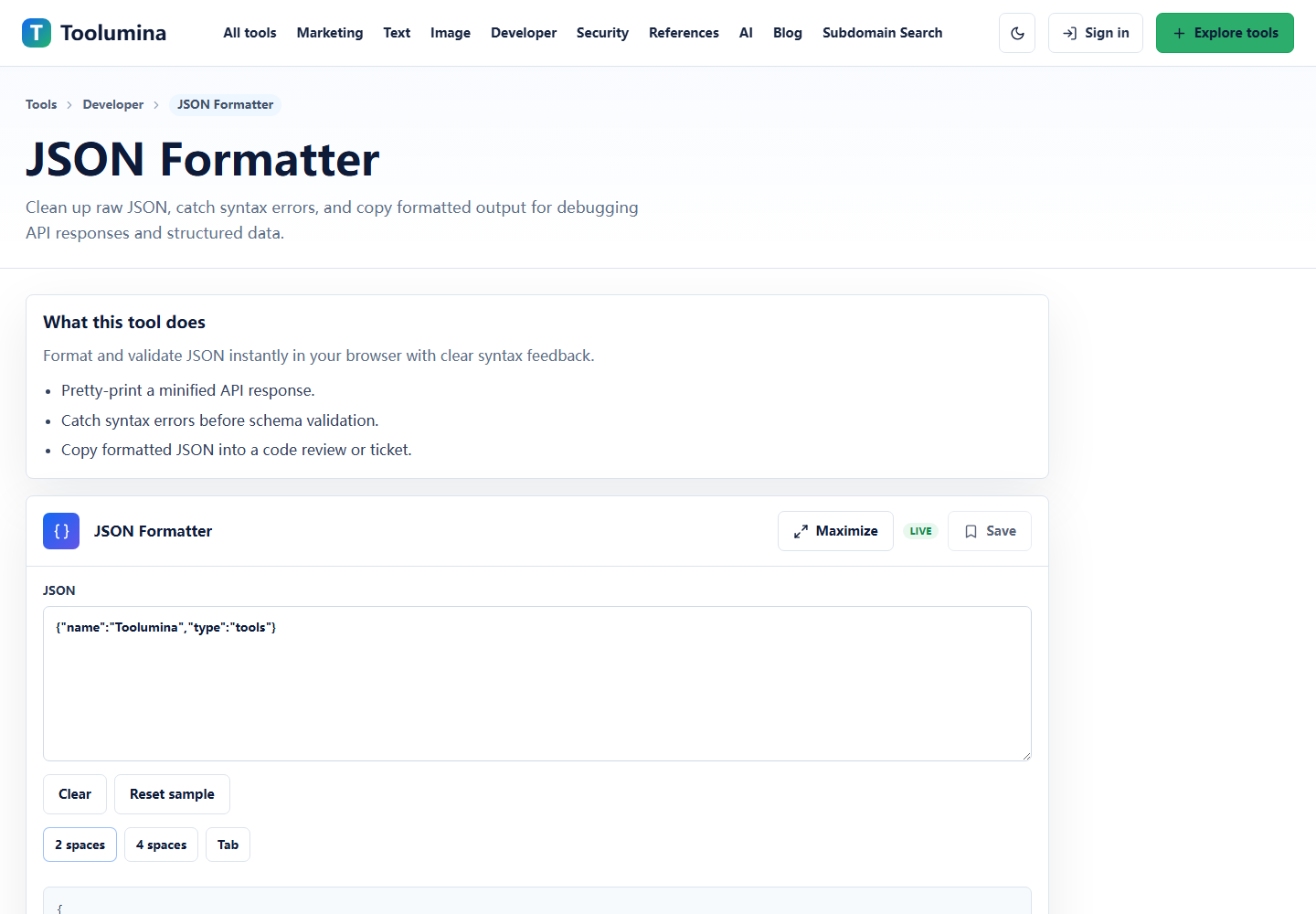
Paste the raw response into JSON Formatter. If it parses, format it with two spaces and copy the clean version. If it fails, fix the syntax problem before moving to schema validation.
JSON FormatterValidate the fields that your app depends on
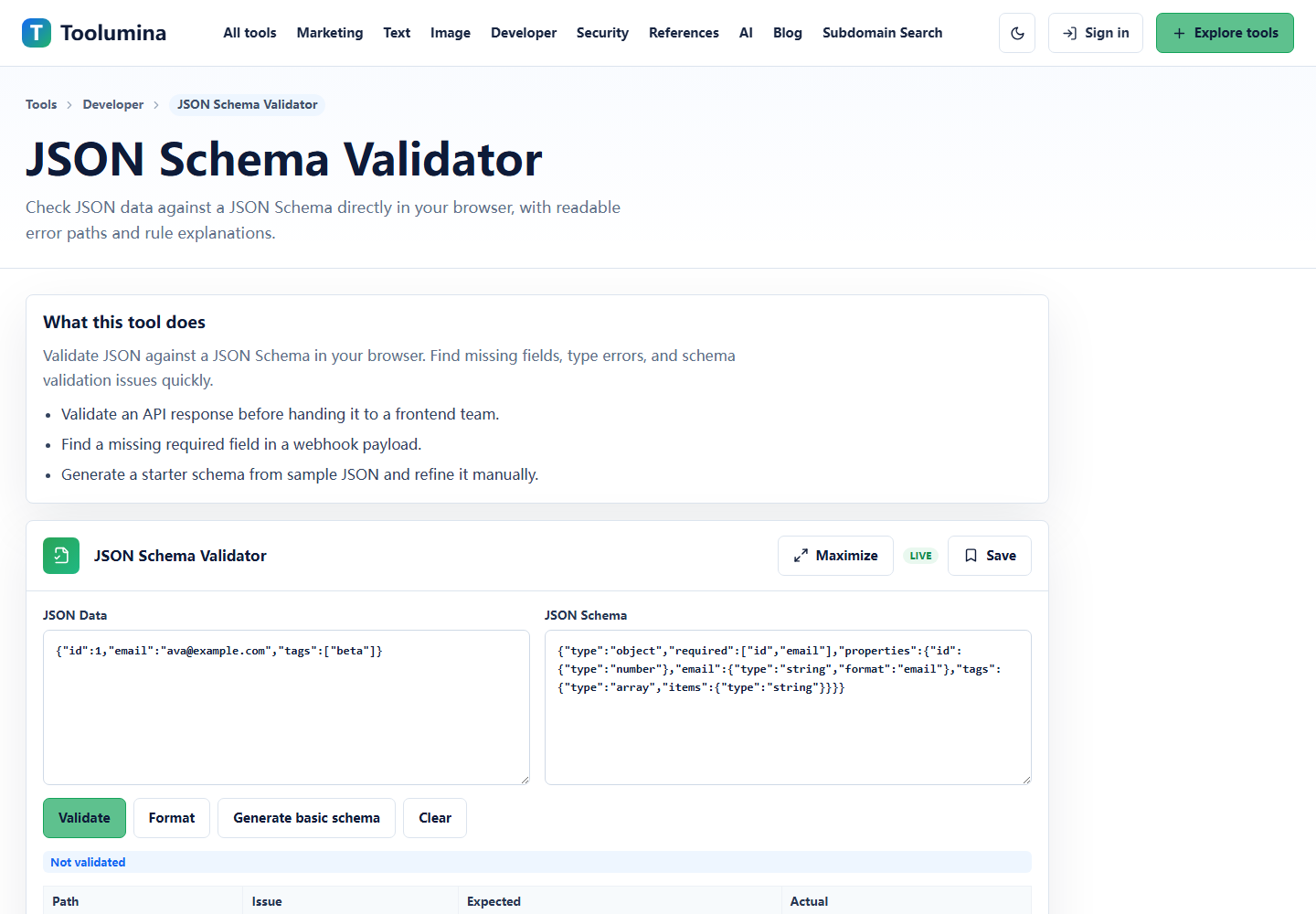
Open JSON Schema Validator with a small schema for the fields that matter: required IDs, email shape, arrays, booleans, and nested objects. Do not try to model the whole API on the first pass.
JSON Schema ValidatorCompare the old and new response
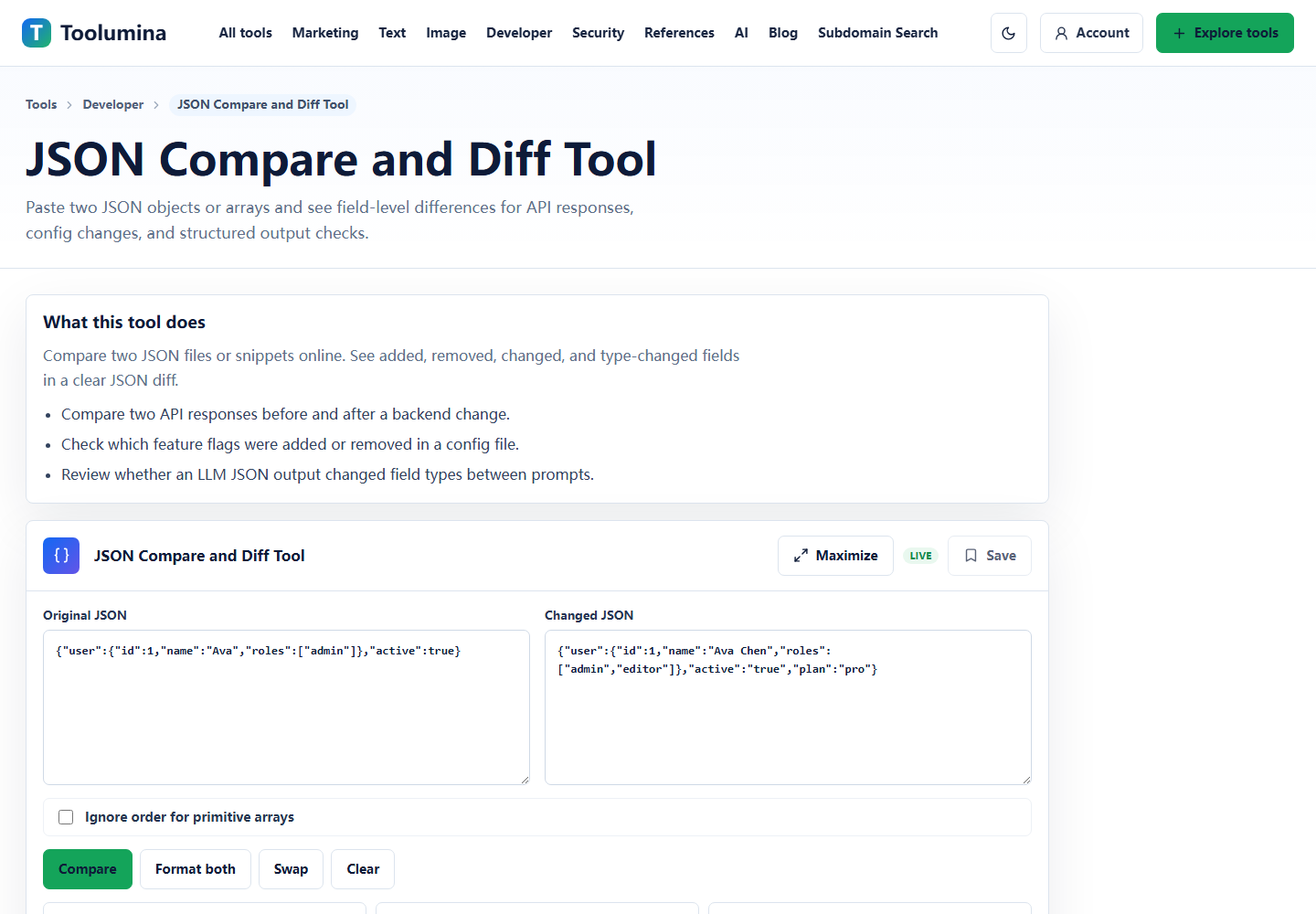
When a deploy or prompt change breaks behavior, paste the previous response on the left and the new response on the right. Look for removed fields and type changes before reading every line manually.
JSON Compare and Diff ToolScreenshots from the workflow
Use the right tool for the actual failure
JSON debugging gets slow when every problem is treated as a formatting problem. A formatter tells you whether the text is valid JSON and makes it readable. A schema validator tells you whether the data shape is acceptable. A compare tool tells you what changed between two versions.
Use them in that order. It keeps the work mechanical: make the text valid, check the contract, then inspect the change.
- Unreadable response: use JSON Formatter.
- Missing or wrong field type: use JSON Schema Validator.
- Before/after behavior change: use JSON Compare and Diff Tool.
API response debugging workflow
Start with the smallest response that reproduces the problem. Paste it into the formatter. If it fails to parse, the cause is usually a trailing comma, a missing quote, an unexpected HTML error page, or a log prefix wrapped around the JSON.
Once the JSON parses, validate the fields your code actually uses. For example, a frontend might assume id is a string, tags is an array, and user.email is present. A response can look normal but still violate those assumptions.
- Format the response and confirm it is valid JSON.
- Validate required fields and expected types.
- Save a known-good example for future comparisons.
Compare responses after deploys, config edits, and export changes
JSON compare is especially useful after a backend deploy, feature flag update, config migration, or export change. The human eye often misses one renamed field or a boolean that became a string.
A diff table that separates added, removed, changed, and type-changed values makes those changes easier to review.
- Compare old and new API responses.
- Check config files before and after a migration.
- Review generated JSON across different export or transform runs.
Privacy note for JSON examples
Browser-local JSON tools are useful for quick inspection because the parsing and comparison can happen on your device. Still, do not paste production secrets, private tokens, or sensitive customer data into any website.
A good habit is to redact tokens, emails, and internal IDs before using any online utility.
Background notes
JSON, JSON Schema, and JSON diff are separate ideas
JSON is the data format. JSON Schema is a contract that describes the expected shape of that data. A JSON diff is a comparison between two valid JSON values.
Keeping those ideas separate makes debugging simpler. A response can be valid JSON but fail the schema. Two responses can both pass the schema but still differ in a business-critical value.
Common JSON mistakes worth checking
Most real API mistakes are ordinary: a field is missing, null appears where an object was expected, a number becomes a string, or an array is returned as a single object.
That is why a short schema for the fields your app relies on is often more useful than a huge schema that tries to describe every possible response.
- Check required fields first.
- Check type changes before value changes.
- Keep one known-good sample response for comparison.
- Redact private values before pasting examples into tools.