2026-08-03 · 9 min read
Password Generator Checklist for New Accounts, Shared Admin Logins, and Temporary Access
A practical way to create strong passwords that still fit the real situation, whether you are setting up one account, handing off a temporary login, or rotating a shared credential.
Search intent
For users who need to create strong passwords for new accounts, vendor portals, shared admin access, or temporary onboarding credentials.
Key takeaways
- Good password generation starts with the access scenario, not with a random length target.
- Use ambiguity filtering only when a person will actually type the password by hand.
- Temporary credentials need an expiry and handoff plan, not just a strong string.
- A strong password does not fix bad access ownership, poor storage, or over-shared accounts.
Tool workflow
Decide how the password will be used
Before you generate anything, decide whether the password will live in a password manager, be typed manually once, or be shared briefly during setup. That one choice changes the right length and character mix.
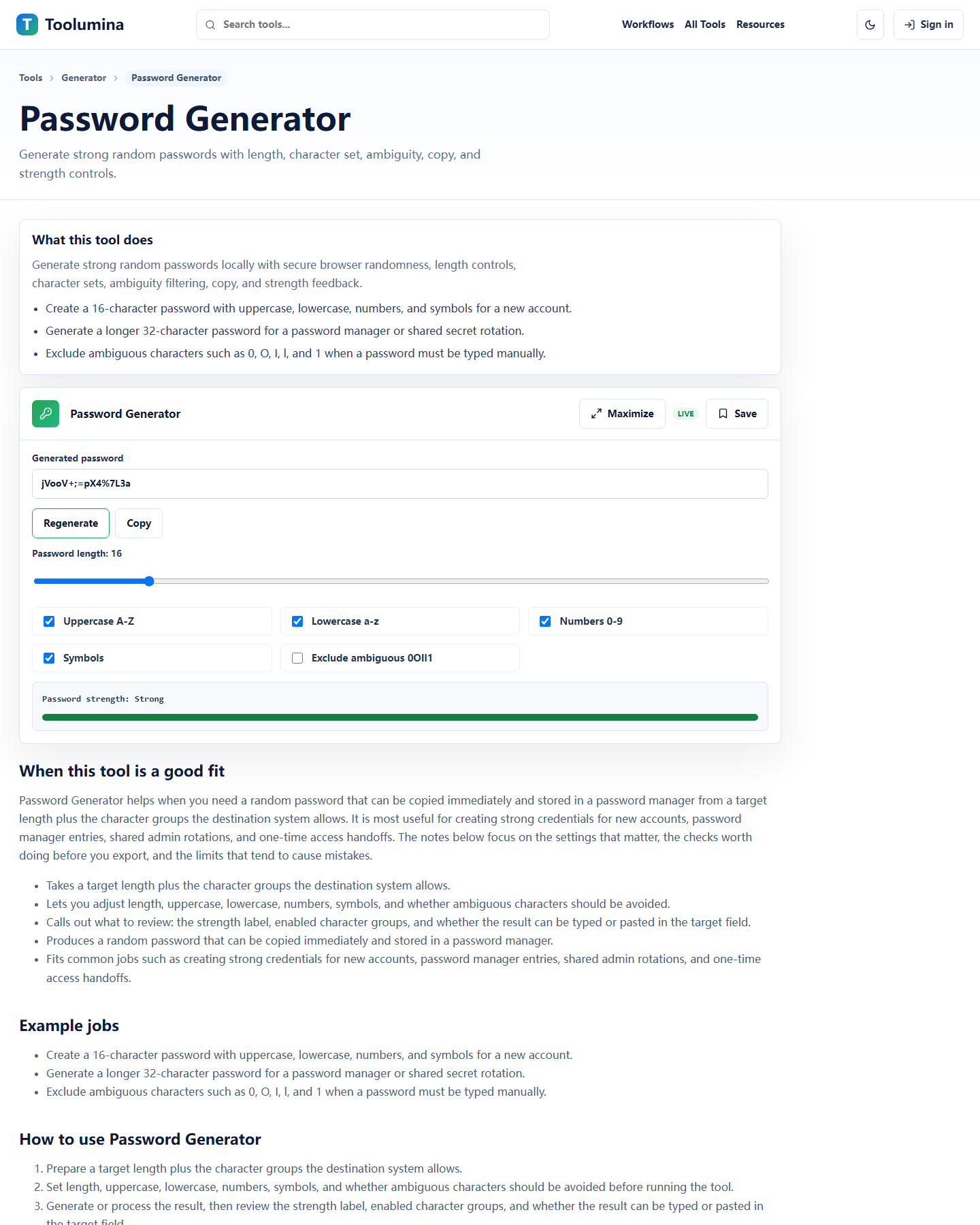
Password GeneratorGenerate for the real environment
Use a longer mixed-character password for stored credentials. If a human has to type it from a call, paper note, or remote support chat, remove ambiguous characters and keep the handoff short-lived.
Password GeneratorFinish the operational part
Record the owner, handoff method, and rotation point. A generated password is only one piece of the job; the rest is who stores it, who changes it, and when it expires.
Password GeneratorMost password mistakes happen before generation
People often treat password generation as the whole task. In real work, it is only one step in a larger access decision. Are you creating a login for a single person, a temporary vendor account, a shared admin portal, or a staging environment that will be torn down next week? Those are not the same job, so they should not produce the same kind of credential.
If the password is going into a password manager and nobody will ever type it manually, there is no reason to optimize for memorability. If the password must be spoken once over a call to unblock someone, readability suddenly matters. Strong passwords are good, but appropriate passwords are better.
- Manager-stored account: prioritize length and complexity.
- One-time human entry: reduce ambiguous characters.
- Shared or temporary access: plan rotation before sending the login.
Pick length and character sets from the actual use case
A strong default for many accounts is a long random password with uppercase, lowercase, numbers, and symbols. That works especially well when the credential will be saved in a password manager and rarely seen by a human again.
But there are edge cases people run into all the time. Some vendor portals reject certain symbols. Some old systems have awkward maximum lengths. Some support situations require a person to type the password quickly while screen-sharing. In those cases, the right move is not to abandon randomness. It is to adjust the generator settings to match the environment, then document why you chose that format.
- Use longer passwords when storage is handled by a manager.
- Filter out confusing characters like O, 0, l, and 1 when someone must type it.
- Check weird system rules before you finalize the credential.
Temporary passwords need a real ending
A temporary password is only safe if it is actually temporary. Teams get into trouble when a 'just for setup' credential quietly turns into the permanent login because nobody comes back to rotate it.
The clean approach is simple. Generate the password, deliver it through an appropriate channel, note who received it, and define what happens next. Maybe the user changes it at first login. Maybe the vendor session expires after a maintenance window. Maybe an admin rotates it after onboarding is complete. The important part is that the end state is named up front.
- Set the reset or rotation step before sharing the password.
- Avoid leaving setup credentials active indefinitely.
- Write down the owner of the account and the next review date.
Shared admin accounts are an operations problem, not a string problem
Sometimes a shared account cannot be avoided immediately. Legacy systems, registrar logins, old hosting panels, and external vendor portals still create this situation. When that happens, teams sometimes over-focus on generating an impressive password and under-focus on the bigger issue: too many people know it and nobody clearly owns it.
A better habit is to treat the password as one control among several. Keep the access list small, store the credential in an approved manager, rotate it when team membership changes, and move toward named accounts where possible. A stronger string helps. Clear ownership helps more.
- Minimize who can view or reveal the credential.
- Rotate shared passwords when access changes.
- Treat named accounts as the long-term fix whenever the platform allows it.
Do one last check before you close the setup ticket
The final review is not glamorous, but it saves time. Confirm that the password actually works, that it was stored in the right place, that the user or team received the right instructions, and that you are not leaving a copy behind in plain text notes, chat drafts, or screenshots.
This is also the moment to ask whether the credential will still make sense a month from now. If the answer is no, add the rotation reminder now while the context is fresh. Future-you will not remember the details as clearly as current-you does.
- Test the login once if the workflow allows it.
- Remove stray plaintext copies after handoff.
- Set the follow-up reminder while the setup is still open.
Background notes
Readable does not have to mean weak
People sometimes assume that the moment you remove ambiguous characters, the password becomes weak. That is not the right way to think about it. The question is whether the remaining character set and length still meet the risk of the situation.
For one-time manual entry, a slightly narrower character set with solid length is often a better operational choice than a harder-to-read password that gets mistyped three times.
Storage and rotation matter as much as generation
A well-generated password can still be mishandled if it ends up in a shared spreadsheet, an old email thread, or a personal notes app with no clear owner. Generation is the easy part. Storage discipline and access review are what keep the password useful and safe over time.
That is why the best password workflow is not just 'click generate'. It is generate, store, hand off carefully, and rotate when the context changes.