2026-07-28 · 8 min read
Regex, Cron, and Timestamp Reference Workflow for Everyday Debugging
How to use reference pages for regex patterns, cron expressions, and Unix timestamps when debugging forms, scheduled jobs, and event logs.
Search intent
For users searching for regex examples, cron expressions, Unix timestamps, or quick developer reference workflows.
Key takeaways
- Use regex references to start from a known pattern, then adapt carefully.
- Use cron references to confirm schedule meaning before deploying jobs.
- Use timestamp references to translate logs into human time.
- Keep reference knowledge close to the tool or task that needs it.
Tool workflow
Start from the reference page
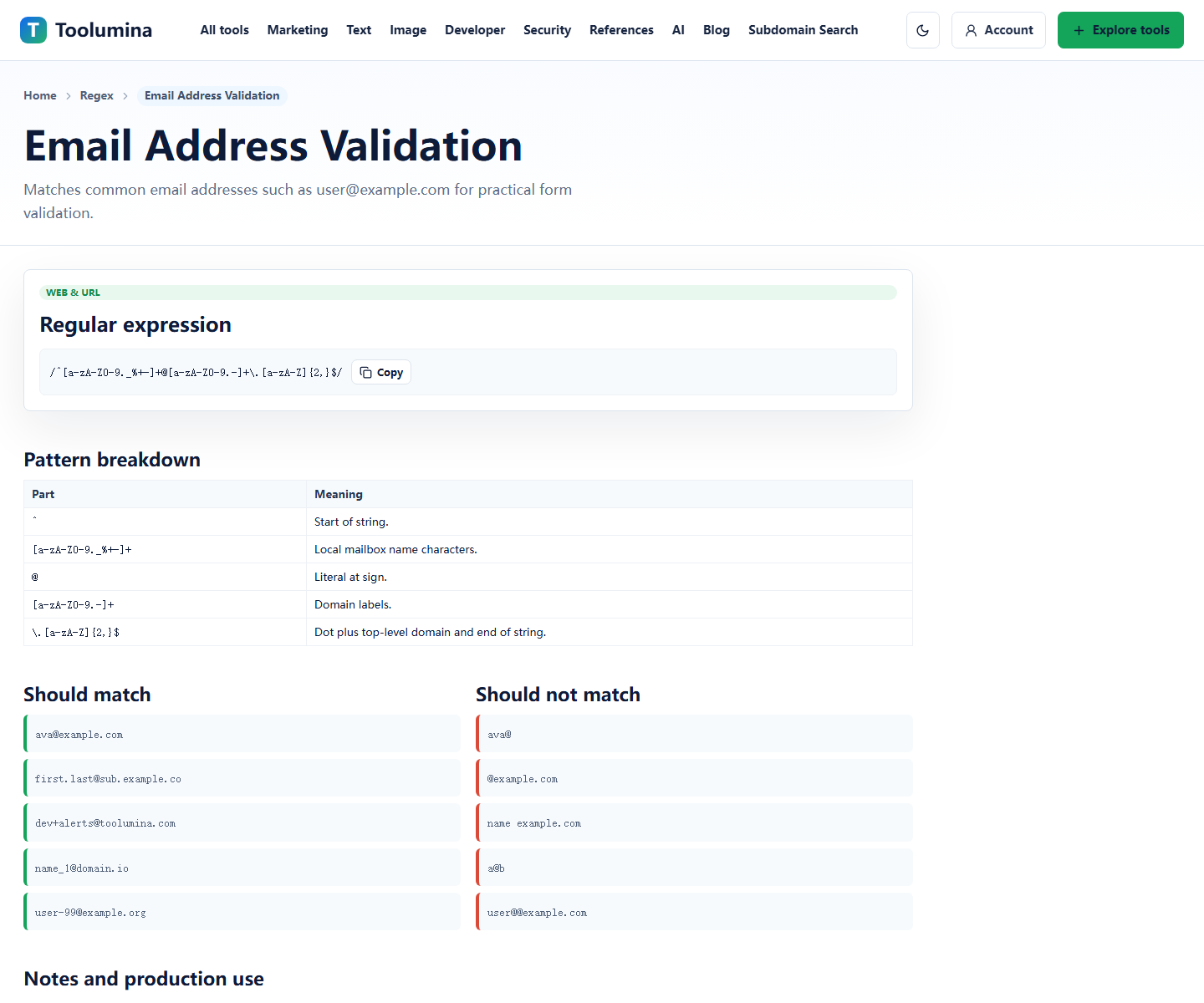
Use a reference page to understand the shape of a common pattern or expression. Do not copy blindly; read what it accepts and what it intentionally does not handle.
Regex referencesCheck the schedule or time value
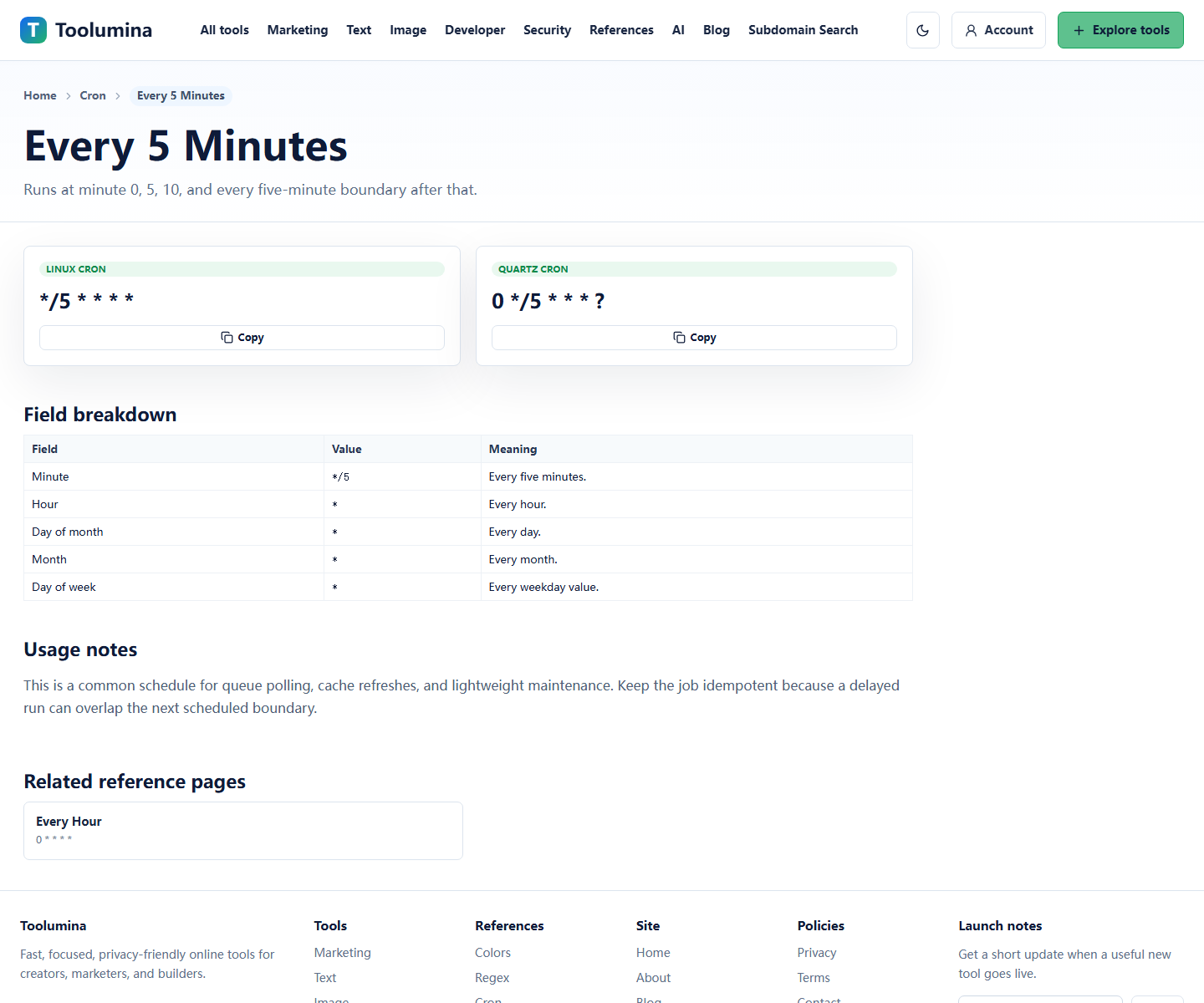
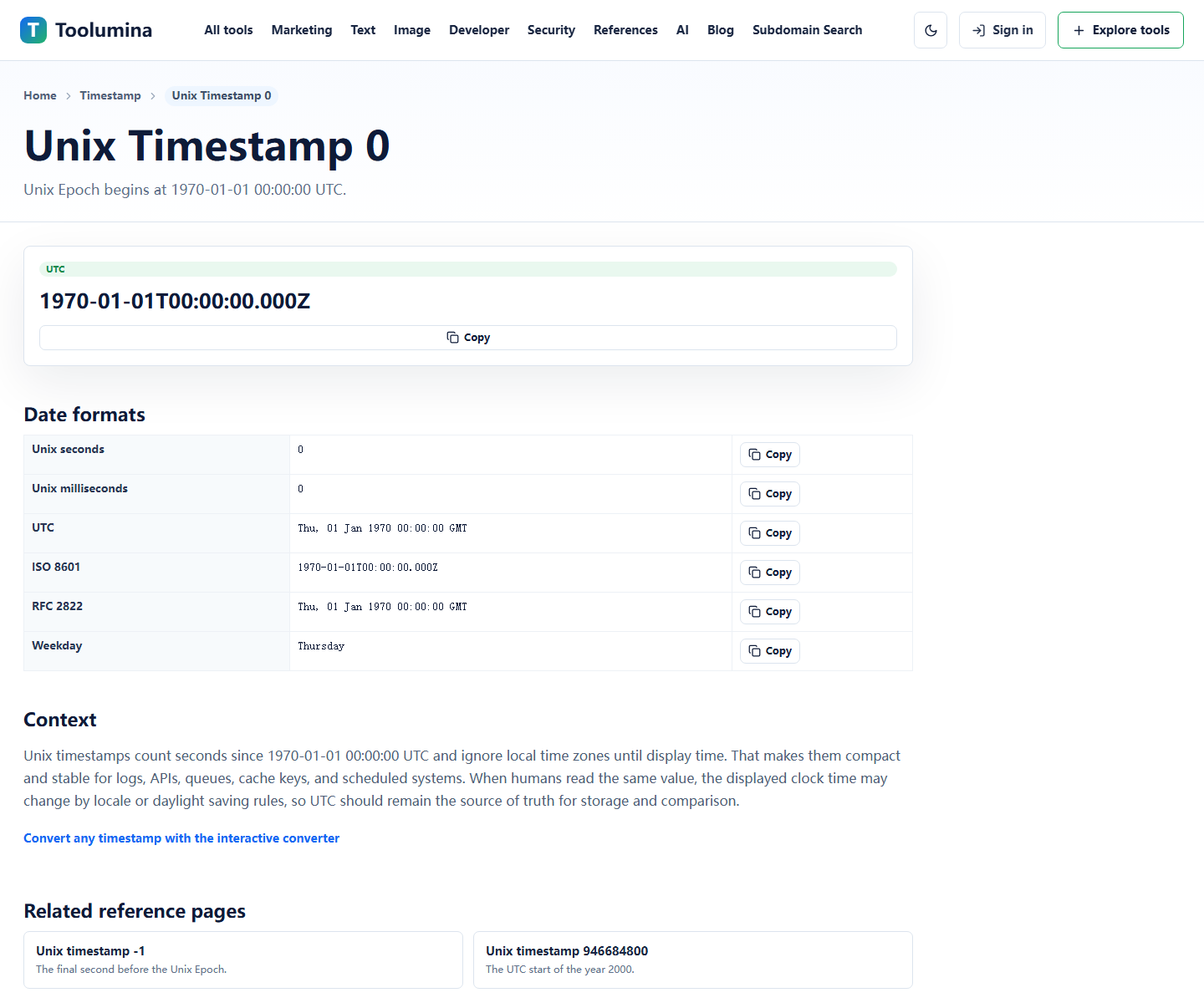
For scheduled jobs, confirm the cron expression in plain language. For logs and API events, convert timestamps before assuming an event happened at the wrong time.
Cron and timestamp referencesTest with realistic examples
Use examples from your app: real-looking emails, expected cron schedules, and timestamps from the actual log source. That catches assumptions faster than abstract examples.
Unix Timestamp ConverterScreenshots from the workflow
Reference pages are useful when the syntax is compact
Regex, cron, and Unix timestamps are all compact forms of meaning. They are powerful, but easy to misread when you only see the short expression.
A reference page gives you the expression, the plain-language meaning, and examples in one place. That reduces copy-paste errors and helps users understand what they are changing.
- Regex: validate common text shapes.
- Cron: explain recurring schedules.
- Timestamp: translate machine time into human time.
Debug the assumption before the code
Many bugs are not parser bugs. They are assumption bugs: the regex accepts too much, the cron runs in a different timezone, or the timestamp is seconds when the code expects milliseconds.
Checking the reference first keeps debugging grounded.
Keep examples close to the task
A reference is most useful when it includes examples that look like the user's task. For an email regex, test real-looking addresses. For cron, write the schedule in words. For timestamps, note the timezone and unit.
That habit makes the difference between a copied snippet and a usable workflow.
Background notes
Regex validation has limits
A regex can catch obvious formatting problems, but it cannot prove that an email inbox exists, a URL is safe, or a business rule is correct.
Use regex for format checks, then use application logic or verification steps for real-world truth.
Cron and timestamp mistakes are often timezone mistakes
Cron schedules and timestamps often look wrong because the system, server, browser, or database is using a different timezone or unit.
Before changing code, confirm whether the value is local time or UTC, and whether the timestamp is in seconds or milliseconds.