2026-07-16 · 8 min read
UTM Builder and SERP Preview Workflow for Campaign Pages
A practical SEO and campaign workflow for building UTM links, checking snippets, and preparing landing pages.
Search intent
For marketers searching for UTM builder, SERP preview, meta title checker, or SEO slug generator workflows.
Key takeaways
- Use consistent UTM naming before campaigns launch.
- Preview SERP snippets before publishing important landing pages.
- Create short readable slugs for search and sharing.
- Keep a naming convention so reports stay usable later.
Tool workflow
Create the landing page slug first
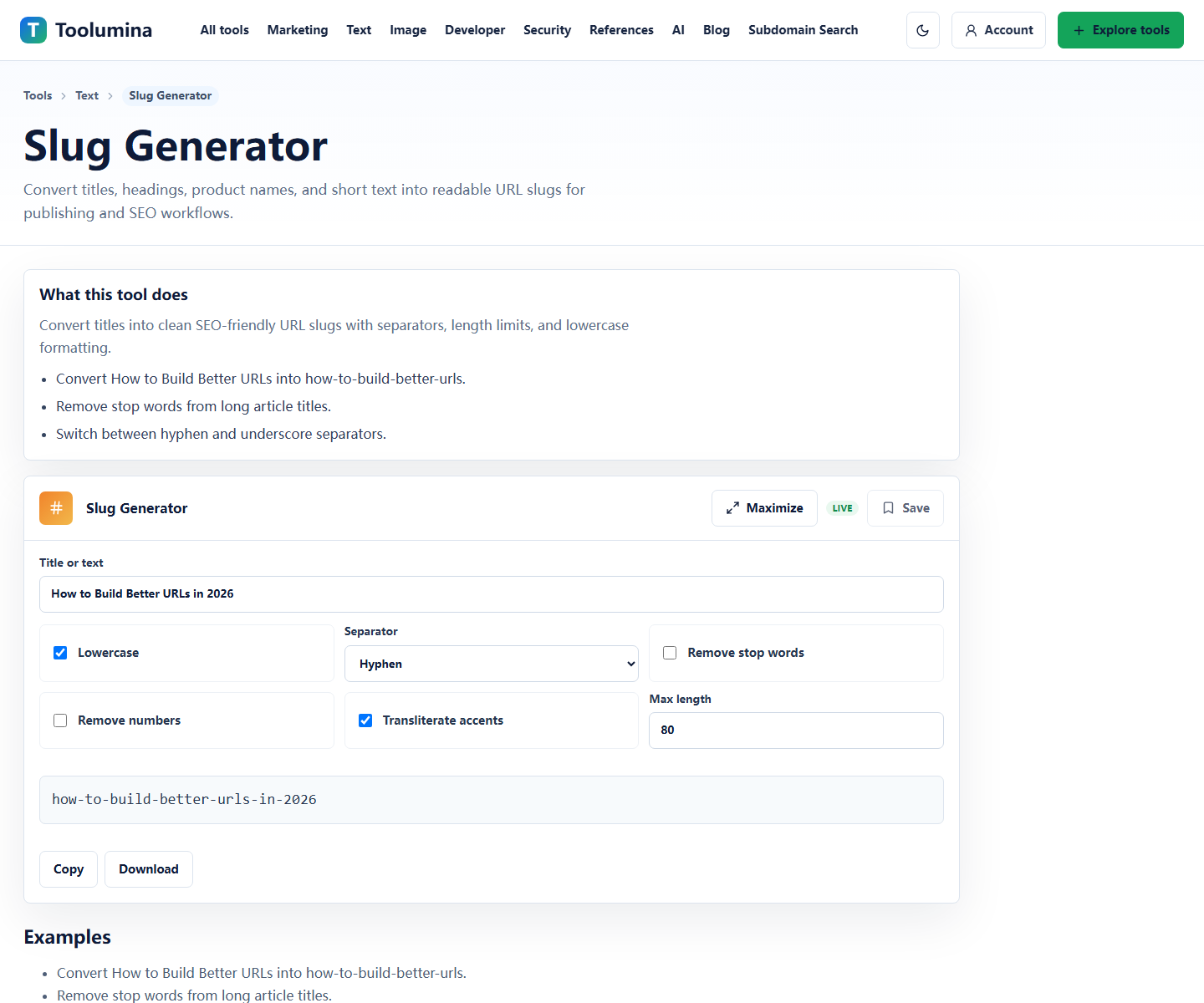
Choose a short, readable slug before building tracking links. A stable slug is easier to share, easier to redirect later, and easier to read inside analytics exports.
Slug GeneratorWrite the title and description users will see
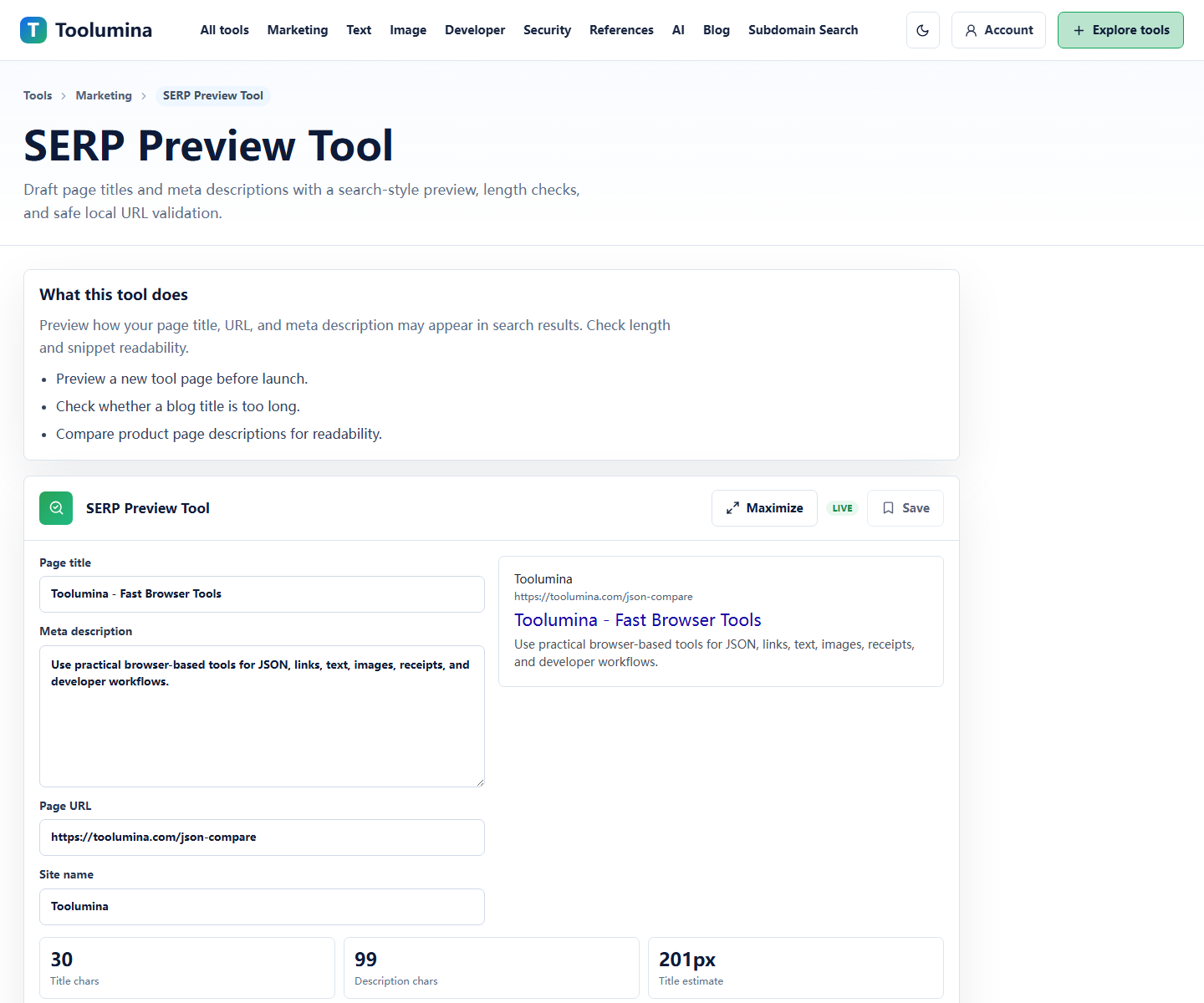
Use SERP Preview to check whether the page title and meta description are clear. The preview is not a perfect Google clone, but it quickly catches vague titles and descriptions that are too long.
SERP Preview ToolBuild UTM links from a naming convention
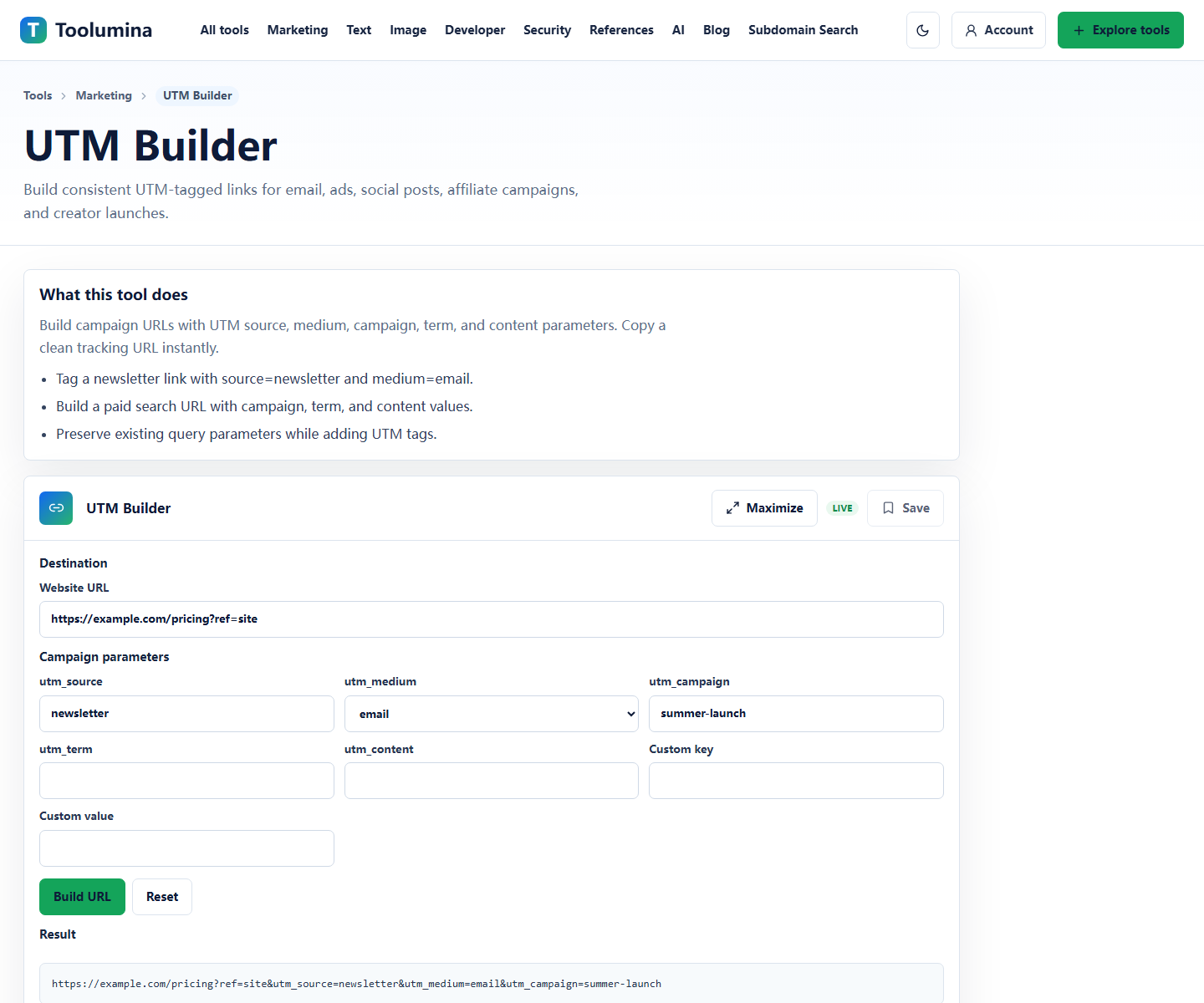
Use one naming pattern across email, paid, social, partner, and newsletter links. Decide lowercase, separators, campaign names, and creative labels before the first link is sent.
UTM BuilderScreenshots from the workflow
Build tracking links before the campaign is live
UTM parameters are easiest to control before a campaign launches. Decide source, medium, campaign, term, and content names early so reports do not split traffic across inconsistent labels.
A UTM builder helps avoid typos and makes it easier to copy a clean final URL. The real value is consistency: one campaign name, one source naming style, and clear content labels for creative variants.
- Use lowercase names unless your analytics convention says otherwise.
- Keep campaign names stable across email, paid, social, and affiliate links.
- Use utm_content to distinguish creative variants, placements, or CTA versions.
Check the search snippet before publishing
A SERP preview tool helps writers and marketers inspect whether a title and description are clear, readable, and likely to fit. It is not an exact Google rendering, but it catches obvious problems early.
For landing pages, title clarity usually matters more than squeezing in every keyword. The title should say what the page is, and the description should explain the offer, task, or reason to click.
- Make the title specific to the page.
- Use the description to explain the offer or task.
- Avoid duplicate titles across similar pages.
Create a clean slug
A good slug is short, readable, and stable. It should describe the page without becoming a keyword pile.
For campaign pages, a clean slug is easier to share, inspect in reports, and reuse in redirects. Keep tracking parameters out of the canonical URL and add them only to campaign links.
Background notes
Canonical URLs and UTM URLs are not the same
The canonical page URL should be clean and stable. UTM URLs are campaign-specific versions of that same destination. Mixing those ideas can create duplicate-looking links, messy reports, and harder redirect work later.
A practical rule: publish the clean URL on the page, use UTM links in campaigns, and keep canonical tags pointed at the clean destination.
A simple UTM naming convention
The best convention is the one your team can actually follow. Keep source and medium predictable, keep campaign names stable, and use content only when you need to compare creative variants.
Write the convention down before the campaign starts. One short internal note can prevent weeks of messy analytics cleanup.
- utm_source: platform or sender, such as newsletter or linkedin.
- utm_medium: channel type, such as email, paid_social, cpc, or referral.
- utm_campaign: stable campaign name.
- utm_content: optional creative, button, or placement label.